

Understanding Demo Accounts for Pakistani Traders
Learn how demo accounts help Pakistani traders practise safely with virtual funds 💼📊. Explore tips, platform options, and realistic expectations in local markets.
Edited By
James Carlton
MetaTrader is one of the most preferred trading platforms among Pakistani traders, thanks to its user-friendly interface and comprehensive analytical tools. Whether you are dealing in forex, commodities, or indices, MetaTrader offers the right mix of features for both beginners and seasoned traders.
Developed by MetaQuotes, the platform primarily comes in two versions: MetaTrader 4 (MT4) and MetaTrader 5 (MT5). While MT4 remains the classic choice for forex trading, MT5 supports more market types and technical indicators, catering to traders seeking a broader portfolio.
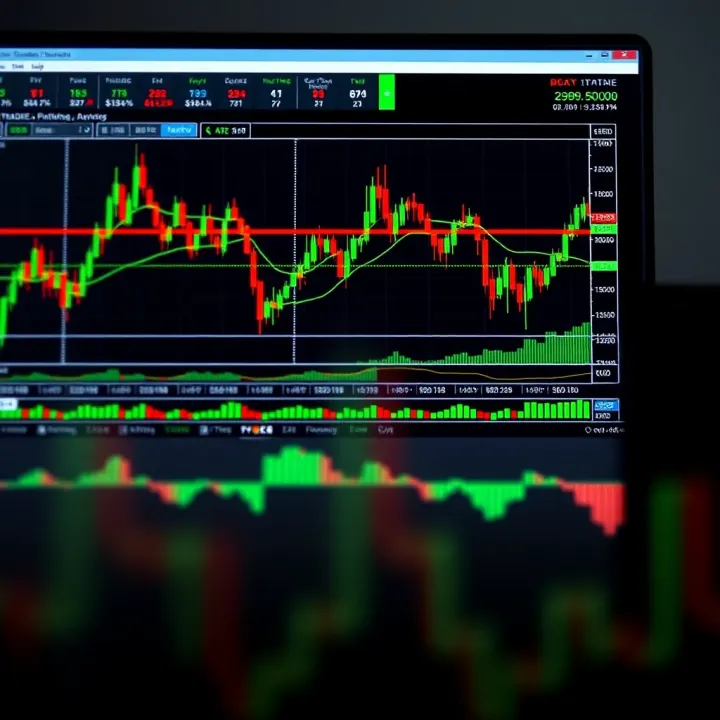
Setting up MetaTrader is straightforward. Pakistani traders can open accounts with local or international brokers that support MetaTrader, many of whom allow PKR deposits via popular payment services like JazzCash or Easypaisa. After installation, users can start by connecting their account, selecting the desired market, and accessing live charts.
The platform’s technical analysis tools include over 30 built-in indicators, customisable chart templates, and drawing tools to help in making informed decisions. Automated trading, using Expert Advisors (EAs), allows traders to execute predefined strategies, reducing emotional bias during trading hours.
Keep in mind, while MetaTrader provides powerful tools, success demands regular market study and risk management. Many Pakistani traders combine MetaTrader with local market news and economic calendars to time their trades effectively.
Common challenges faced include intermittent internet connectivity issues, especially during loadshedding, which can be addressed by using offline strategies or VPS (Virtual Private Servers) hosting. Additionally, understanding broker spreads and commissions is critical to avoid unexpected costs.
In short, MetaTrader offers Pakistani traders a solid platform equipped with real-time data, flexibility, and automation, helping them navigate the markets confidently and efficiently.
MetaTrader is a leading trading platform used globally, especially by forex and CFD traders. Its significance arises from offering a complete toolkit for real-time market analysis, order execution, and automated trading. For Pakistani traders, MetaTrader provides a straightforward, reliable access point to international markets, helping them trade efficiently despite challenges like internet instability.
MetaTrader comes mainly in two versions: MT4 and MT5. MT4 is widely favoured for forex trading due to its simplicity and vast community support. MT5, on the other hand, expands functionality by including additional asset classes such as stocks and futures and offers improved tools for analysis. Pakistani traders often start with MT4 due to its compatibility with many local brokers but shift to MT5 when needing broader market access or advanced features.
MetaTrader's widespread adoption owes much to its user-friendly interface and powerful features. In Pakistan, where forex trading interest is growing steadily, MetaTrader stands out as many brokers integrate it into their services. Its ability to run on various devices and support multiple languages, including Urdu, boosts its popularity among retail traders and professional investors alike.
MetaTrader offers quick and reliable order execution, which is vital in fast-moving forex markets. It supports multiple order types, such as market, limit, and stop orders, letting traders manage risk precisely. For example, a Karachi-based trader can react promptly to rupee-dollar fluctuations without delay, thanks to the platform’s efficient execution system.
The platform provides advanced charting tools with numerous timeframes and over 30 built-in indicators. Pakistani traders benefit from this when analysing price movements of currency pairs like USD/PKR or commodities. Using MetaTrader’s graphical tools, traders can draw trendlines, mark support and resistance zones, and spot entry or exit points with ease.
One standout feature is the strategy tester, which allows traders to backtest automated trading systems or Expert Advisors (EAs) against historical data. This testing helps minimise risks by showing how a strategy would have performed under different market conditions. For instance, a trader in Lahore can refine their automated strategies for volatile markets like the PKR's during political events.
MetaTrader's blend of flexibility, speed, and comprehensive features makes it a cornerstone tool for Pakistani traders aiming to compete on global financial platforms.
By understanding what MetaTrader offers and how it fits Pakistani trading needs, users can make informed choices to enhance their trading results.
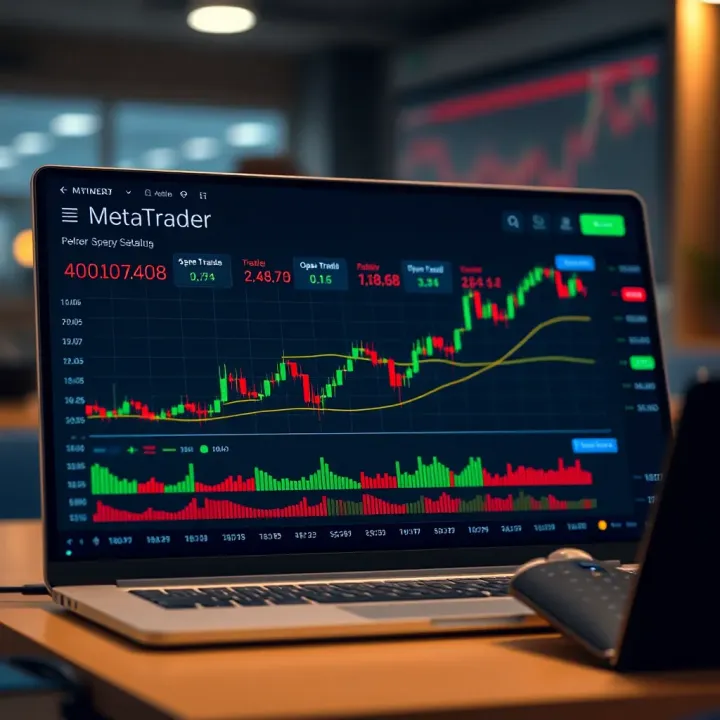
Setting up MetaTrader correctly is vital for Pakistani traders to maximise their trading experience. The platform's installation, account management, and payment integration directly affect smooth, effective trading and minimise avoidable technical hitches. This section guides you through each step, tailored for Pakistan's trading ecosystem.
MetaTrader 4 (MT4) and MetaTrader 5 (MT5) serve distinct trading needs. MT4 remains a favourite among forex traders for its simplicity and wide broker support, especially useful for beginners or those focusing on currency pairs. MT5 offers more advanced features including additional timeframes, more order types, and support for multiple asset classes such as stocks and commodities. Pakistani traders should pick based on their trading goals; for example, someone trading CFDs on international stocks might prefer MT5, while forex traders may stick to MT4 for its stability and ease.
MetaTrader installs easily on Windows, macOS, and mobile devices, but it requires a stable internet connection to function well. On a Windows PC, the installation package is lightweight and runs smoothly on systems with modest specs as low as 2GB RAM and 500MB free space. Mobile users in Pakistan often use MT on Android or iOS devices, which demand a recent OS version and sufficient storage. Installation involves downloading from official broker sites or MetaTrader’s own site, then following straightforward prompts. Ensuring your device meets these basic requirements reduces risks of platform lag or crashes during important trades.
Before investing real money, it's wise for Pakistani traders to open a MetaTrader demo account. This account replicates market conditions without financial risk, so you can learn how order execution, charting, and indicators work. Demo accounts help traders practise strategies, understand the platform’s interface, and get comfortable with features like Expert Advisors without pressure. Many Pakistani brokers offer free demo accounts with virtual PKR or USD balances, which is especially useful for absolute beginners.
Once confident, the shift to a live trading account is straightforward but requires some paperwork. Pakistani brokerages like Al Meezan, IGI Securities, or international brokers accepting Pakistani clients generally require a valid CNIC and completed account opening forms. Fund verification through KYC (Know Your Customer) processes follows to comply with regulatory standards from SECP (Securities and Exchange Commission of Pakistan). Transitioning to a live account lets you trade with real funds and requires caution to avoid overtrading without solid strategies.
A growing number of brokers now accept local mobile wallets like JazzCash and Easypaisa for deposits and withdrawals, making funding quick and convenient for Pakistani traders. JazzCash and Easypaisa support instant transfers often with low fees, bypassing the need for bank wire transfers or credit cards which might face delays or extra charges. For example, if you fund your MetaTrader account via JazzCash, you can deposit Rs 10,000 quickly during market hours to seize timely trading opportunities without waiting days for clearance.
Not all brokers support the same payment gateways, so Pakistani traders should confirm compatible deposit and withdrawal options before account signup. Major brokers often list payment methods transparently on their websites. Besides mobile wallets, debit/credit cards and bank transfers are common, though card payments can sometimes trigger international processing fees. Awareness of payment methods helps avoid unexpected delays or extra costs that slow down trade execution or withdrawal of profits.
Setting up MetaTrader with the right choices ensures your trading starts on the right foot, saving you time and frustration later on.
Proper setup not only smooths your trading journey but also keeps you safeguarded from common pitfalls specific to Pakistan's market and payment landscapes.
MetaTrader offers tools that every trader needs to navigate markets efficiently, especially in fast-moving conditions like those in Pakistan. Understanding these features helps you make better decisions, manage risks well, and optimises your trading strategies.
Built-in technical indicators play a vital role in analysing market trends. MetaTrader comes with around 30 pre-loaded indicators such as Relative Strength Index (RSI), Moving Averages, and MACD, which help you identify momentum, trend direction, and potential reversals. For instance, if you're trading the PKR/USD forex pair, using Moving Averages can reveal support or resistance levels critical for entry or exit points.
Custom indicators and templates allow traders to tailor their charts to specific preferences. Suppose a trader prefers combining trend indicators with volume analysis; they can load custom-coded indicators or import templates shared by others. This flexibility suits Pakistani traders who often deal with volatile markets and need to adjust their tools to local trading hours or unexpected news events.
Introduction to Expert Advisors (EAs): These are automated programmes that execute trades based on pre-set criteria without manual intervention. For example, an EA might be set to buy when RSI drops below 30 and sell when it rises above 70. This helps Pakistani traders avoid emotional decisions, especially during periods of heavy market volatility during events like Pakistan’s budget announcements or geopolitical news.
Backtesting automated strategies lets you test your EAs using historical data before risking real money. If an EA performs well during backtesting on Pakistan Stock Exchange data or forex rates over the past year, it gives you more confidence to run it live. This process also reveals how the strategy copes with local market quirks like sudden currency swings due to foreign remittances.
Setting stop-loss and take-profit orders is crucial to control potential losses and lock in profits automatically. For example, if you buy 100 shares of a company listed on PSX at Rs 300, setting a stop-loss at Rs 280 limits your loss, while a take-profit at Rs 350 secures gains without constant market monitoring. This ensures you don’t lose more than you can afford during unpredictable market shifts.
Price alerts and notifications keep you informed of critical price changes. You can set alerts for specific levels on forex pairs or stocks and get notifications via mobile or email. Such alerts are handy for traders juggling multiple tasks or affected by Pakistan’s internet uncertainties, so they won’t miss opportunities or sudden price drops.
Effective use of these features in MetaTrader can significantly enhance your trading results and help manage risks better, making your steps in trading more precise and less stressful.
MetaTrader offers powerful tools for technical analysis, which is essential for many Pakistani traders dealing with forex, commodities, or local CFDs. This platform allows you to study market trends, identify potential entry and exit points, and make more informed trading decisions. By integrating technical indicators and visual chart tools, MetaTrader helps traders respond to fluctuating market conditions common in Pakistan’s dynamic trading environment.
Indicators like the Relative Strength Index (RSI), Moving Average Convergence Divergence (MACD), and various moving averages are fundamentals for identifying momentum, trend direction, and potential reversal points. For example, the RSI signals when the market is overbought or oversold, which can be particularly salient during events such as Pakistan’s interest rate announcements by the State Bank or geopolitical developments that affect currency volatility.
Similarly, MACD helps track trend momentum, helping traders spot bullish or bearish cycles earlier. Moving averages smooth out price fluctuations, offering a clearer picture of the trend over periods ranging from days to months. Many traders in Pakistan use a combination of these to build confidence in their trade setups and avoid the noise common in volatile market hours.
Adapting indicator settings is crucial when dealing with Pakistan’s often volatile market conditions. For instance, shortening the periods of moving averages or RSI can make them more responsive to quick price shifts caused by sudden news, like fuel price changes or political events. However, this also increases the risk of false signals, so traders balance sensitivity with reliability based on their risk tolerance.
Trendlines and support/resistance levels are simple yet effective visual tools in MetaTrader. Drawing trendlines helps you identify the direction of price movement, while support and resistance levels mark price points where buying or selling pressure may intensify. For example, during Ramadan, currency pairs like USD/PKR often show clear support or resistance ranges as market activity fluctuates, allowing traders to plan entry or exit points more confidently.
Adding notes directly on charts in MetaTrader also helps keep track of trade ideas and observations. Pakistani traders can mark specific points with comments about market news, economic releases, or personal strategy reminders. This makes reviewing past trades or preparing new ones easier, especially when managing multiple orders. Such annotations contribute to disciplined trading and better record-keeping, which are vital for long-term success.
Technical analysis isn’t just about tools—it’s how you use them thoughtfully within your trading context. MetaTrader offers flexibility, but your grasp of market nuances like Pakistan’s economic cycles is what counts most.
Trading through MetaTrader in Pakistan comes with some practical difficulties that can affect your success if not handled well. Understanding these common challenges helps you stay prepared and avoid costly mistakes. Two major hurdles are internet and connectivity issues, and the limitations around brokers operating in Pakistan. Handling these effectively ensures your trading experience remains smooth and secure.
Internet instability is a big concern in Pakistan, especially during loadshedding when power cuts disrupt connectivity. To keep MetaTrader running well, traders often rely on mobile data backups or UPS (uninterruptible power supply) systems to prevent sudden losses of connection. For example, having a mobile hotspot ready can keep your trading session active during a local power outage.
Delayed order executions also arise from slow or unstable internet. This can lead to slippage where orders fill at less favourable prices. One practical approach is to set wider stop-loss and take-profit levels during high volatility or bad connectivity, giving some buffer against delayed executions. Additionally, some traders prefer brokers with local servers or data centres closer to Pakistan to reduce lag times.
Choosing regulated brokers is critical to safeguard your investment. Registered brokers overseen by authorities such as the Securities and Exchange Commission of Pakistan (SECP) offer legal transparency and customer support. This protects you from unfair practices and ensures that your funds are secure.
On the flip side, the trading scene in Pakistan has its share of scams and unreliable providers. Many fake brokers promise high returns but disappear once they collect deposits. To avoid this, always verify a broker’s credentials, check reviews from other Pakistani traders, and never trust unsolicited offers. Moreover, using MetaTrader with brokers who offer local payment options like JazzCash or Easypaisa enhances trust and convenience.
Avoiding problems early on allows you to focus on trading strategy rather than firefighting technical and legal issues. Establish reliable internet setups and stick to trustworthy, regulated brokers for a safer, smoother MetaTrader experience in Pakistan.
By tackling internet issues head-on and carefully selecting your broker, you protect both your capital and your peace of mind. This groundwork is as crucial as learning MetaTrader’s tools and strategies when trading in the Pakistani market.
Learn how demo accounts help Pakistani traders practise safely with virtual funds 💼📊. Explore tips, platform options, and realistic expectations in local markets.
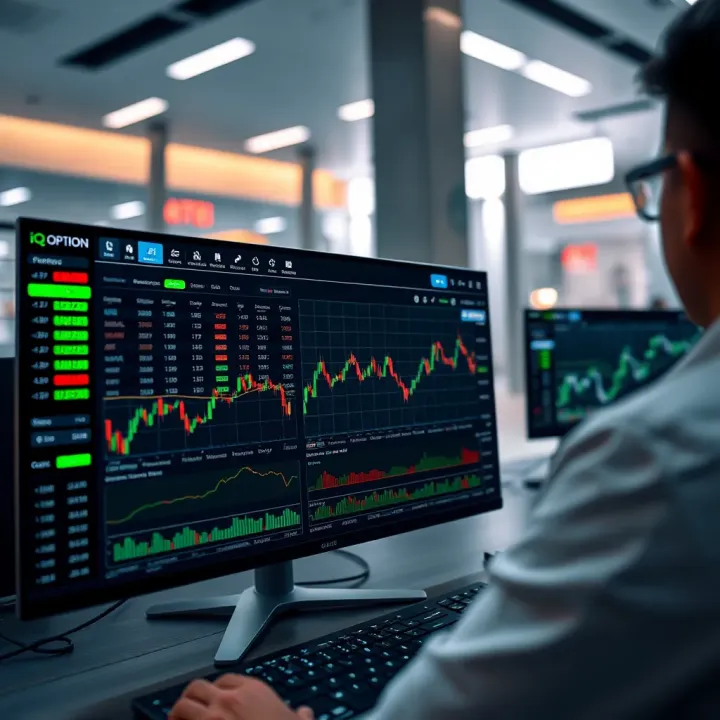
📈 Understand IQ Option for Pakistani traders: Learn features, account setup, payment options, risks, and tips to trade safely and effectively in Pakistan.
📈 Explore CFD trading basics, risks, strategies, and market tips tailored for Pakistani traders interested in maximizing financial opportunities safely.

Learn how Forex signals on Telegram help Pakistani traders make smart currency trades 💹. Find tips on spotting reliable channels, managing risks, and blending signals with your own analysis for success.
Based on 7 reviews