

Using TradingView for Binary Options Trading
📊 Discover how to enhance your binary options trading with TradingView’s tools, charts, and indicators. Get tips to boost your strategy and results!
Edited By
Benjamin Clarke
Binary options trading can feel like trying to catch lightning in a bottle if you're not equipped with the right tools. For traders in Pakistan looking to step up their game, TradingView offers a solid platform to make more informed decisions. It’s not just about staring at charts for hours; it’s about knowing how to read those charts, spot trends, and use indicators that actually make sense in binary trading.
In this guide, we’ll break down the essentials of binary options—which many beginners find tricky—and show you how TradingView’s features can be your best ally. Whether you’re plotting short-term moves or skimming just the surface for quick wins, understanding how to integrate TradingView’s charts and tools will give you a clearer edge.
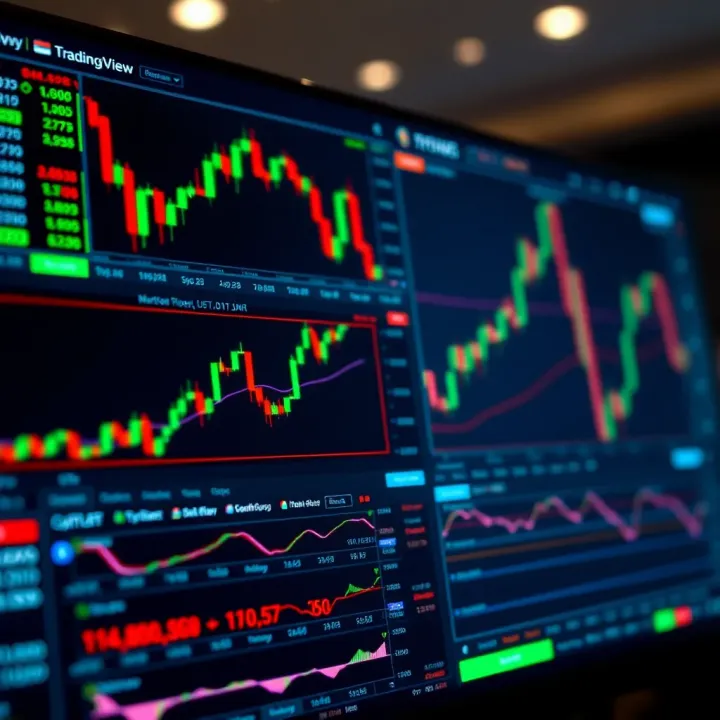
Remember, success in binary options isn’t about luck. It’s about smart analysis, timely decisions, and using the right technology to back your choices.
We’ll cover practical steps that any trader in Pakistan can apply right away, boosting your confidence and hopefully your accuracy. The goal here isn’t to drown you in technical jargon but to offer straightforward, real-world tips that help you trade smarter—not harder.
Let’s get started by quickly outlining what you can expect from this guide:
A sharp overview of binary trading basics for context
How to navigate TradingView’s platform effectively
The most useful indicators and chart types for binary strategies
Step-by-step tips for setting up your TradingView workspace
By the end, you’ll have a clear picture of how TradingView fits into your trading routine and how it can support more disciplined, data-backed trading decisions.
Binary options trading offers a straightforward way to participate in the financial markets, especially for traders who prefer a clear yes-or-no outcome. Grasping how binary options work is essential before diving into the tools and strategies we’ll discuss later, like using TradingView effectively. This knowledge not only builds confidence but also helps prevent common pitfalls that beginners often face.
Binary options are financial contracts where the payoff is either a fixed amount or nothing at all. Basically, you predict whether the price of an asset will be above or below a specified level at a predetermined time. If your prediction is correct, you earn a set payout; if not, you lose your initial investment. For example, you might bet that the EUR/USD pair will be higher in 15 minutes; if it is, you get the payout—if not, you lose the stake.
This simplicity makes binary options appealing but also risky, so understanding the concept fully helps traders make smarter decisions. It’s like betting on a coin toss but based on careful analysis rather than pure chance.
In traditional trading, profit or loss depends on how much the price moves and how long the position is held, involving more variables and often more complexity. Binary options, in contrast, have fixed risk and reward. You know exactly how much you can win or lose upfront.
Another key difference is time. Binary options are generally short-term, sometimes just minutes or hours, while traditional positions might last days, weeks, or longer. This makes binaries more like a quick sprint, whereas traditional trading is more of a marathon.
These features influence how traders approach analysis, risk, and money management. Knowing this distinction is vital to use tools like TradingView correctly, as you won't just look for long-term trends but also short-term price moves.
Pakistani traders often focus on major currency pairs like USD/PKR and EUR/USD, commodities like gold and oil, and well-known stocks listed on international exchanges. These markets provide decent volatility and liquidity, which are essential for binary options strategies.
Gold, for example, is quite popular due to its global appeal and price swings. Similarly, tech giants like Apple or Tesla catch interest for short-term binary trades because their stock prices can move noticeably within hours.
Binary options trading in Pakistan operates in a bit of a gray area since there’s no formal regulation specifically targeting binaries. Traders often use international brokers, which might or might not be legally permitted.
It’s important to choose brokers that are transparent and preferably regulated by recognized authorities like CySEC or FCA to reduce risks of fraud. Always be cautious and aware of the legal environment, as this affects your ability to withdraw funds and the security of your investments.
Understanding your local regulatory framework and sticking with reputable brokers helps protect your trading capital and ensures smoother operations.
In summary, knowing what binary options are and how they differ from other types of trading gives you a solid foundation. Coupled with awareness of Pakistan’s common trading practices and regulatory situation, you can approach binary trading with more clarity and confidence.
TradingView has become a go-to platform for many traders because it offers powerful tools without drowning you in complexity. When diving into binary options trading, having a platform that blends advanced charting with user-friendly features is really important. TradingView hits this sweet spot, providing everything from sleek chart customization to an active community of market watchers.
Customizable charts give you the freedom to tailor what you see and how you see it. Imagine tracking a fast-moving asset like crude oil or forex during volatile hours; you need charts that reflect the exact data points important to your strategy. TradingView allows you to adjust chart types—from candlesticks to Heikin Ashi—and change colors, scales, and timeframes easily. For example, switching between 5-minute and 15-minute charts can help you spot short-term price action for quick binary trades or watch longer trends for more confident calls.
Technical indicators are the bread and butter for many traders, and TradingView offers a vast library of them. Whether you're into Moving Averages, RSI, Bollinger Bands, or even custom scripts shared by other users, everything is accessible. Using these indicators wisely can help you identify momentum shifts or overbought/oversold conditions, which are key signals in binary options decisions. What makes TradingView stand out is how seamlessly you can layer multiple indicators, adjusting each to fit your style without cluttering your workspace.
The social community and idea sharing feature gives novice and seasoned traders alike a chance to exchange strategies and market insights. Picture this: you’re stuck wondering if a particular currency pair is worth a binary call, and you check out ideas from traders across Pakistan and the globe. This feature helps you learn from others’ charts and reasoning. It’s like having a trading chat room open 24/7, filled with fresh perspectives and real-time discussions to spark your own analysis.
TradingView works smoothly across web and mobile platforms, which means you can stay connected whether you’re at your desk or on the move. The mobile app is surprisingly robust, giving you most of the functionalities you'd expect from the desktop version—like setting alerts or checking charts on-the-go. This flexibility is crucial for binary options traders because timing can make or break a trade, and missing a key moment simply because you’re away from your computer shouldn’t happen.
As for ease of navigation, TradingView keeps things straightforward. Menus are logically organized, and tooltips guide you through features, making it easy to jump right into analysis without a steep learning curve. The interface avoids clutter by letting you collapse sections and personalize your dashboard. Beginners can find their way fast, while advanced users appreciate quick shortcuts and drag-and-drop tools. For anyone watching the market in Pakistan, where multiple assets and timezones come into play, this kind of intuitive design simplifies decision-making.
TradingView offers a balance of depth and simplicity, making it well suited for binary options traders who need quick, reliable charting without drowning in options.
All these features combined make TradingView not just a charting tool but a practical partner in your binary options trading journey—helping you analyze, decide, and act with more confidence.
When it comes to placing smart binary options trades, reading the market accurately is half the battle. TradingView serves as a powerful toolkit for traders to analyze price movements before making those time-sensitive decisions. This section breaks down how you can use TradingView to spot opportunities and risks in the market.

Binary options often depend on short-term price movements, typically ranging from minutes to hours. Picking the right time frame on TradingView charts is crucial to match your trade duration. For example, if you plan a 15-minute expiry trade, the 1-minute or 5-minute charts can give you detailed price action insights to catch quick trends. On the other hand, longer expiry periods like one hour might benefit from 15-minute or 30-minute charts to observe broader market momentum.
Using the correct chart interval helps prevent chasing noise that can mislead decisions. Many beginners fall into the trap of watching very short intervals for long expiry trades, which often results in confusion and poor timing. So, syncing your chart time frame with your trade expiry improves clarity and decision quality.
Getting a grip on when an asset is trending up, down, or about to flip can make a big difference in binary trading. TradingView's live charts provide a clear way to spot these patterns visually. For instance, if the price consistently makes higher highs and higher lows, that’s an uptrend signaling possible "call" trades.
But markets don’t move straight; reversals happen frequently. Recognizing reversal patterns—like double tops, head and shoulders, or bullish/bearish engulfing candles—on TradingView enables you to anticipate changes early. Combining trendlines with these candlestick formations offers a solid framework to time trades better.
Always remember that no trend lasts forever, and spotting a reversal ahead can prevent losses or capture profitable moves.
TradingView comes loaded with plenty of technical indicators built to unveil market momentum, volatility, and possible entry points. For binary options, a few stand out:
Relative Strength Index (RSI): Shows if an asset is overbought or oversold, suggesting potential reversals.
Moving Averages (MA): Smooth out price data to spot trends; using short-term and long-term MAs together can indicate trend strength or reversals.
Stochastic Oscillator: Helps identify momentum shifts, useful for timing short-term trades.
These indicators work best when combined rather than relying on one signal alone. For example, if RSI signals oversold and the price hits a strong support, the odds of a successful "call" trade increase.
Support and resistance are key concepts in understanding where prices might stall or reverse. TradingView's drawing tools let you mark these horizontal levels directly on charts. Identifying these helps you avoid guessing where price might hesitate.
To draw support, look for previous lows where price bounced back up. Resistance is found by spotting past highs where price dropped again. For instance, if a stock repeatedly bounces off Rs. 500, that level becomes a strong support zone.
When price approaches these zones, it’s a red flag to watch for possible reversals or breakouts—perfect for timing binary options trades. Incorporating this analysis gives a more grounded approach than merely guessing direction.
By combining effective chart analysis, smart indicator use, and solid support/resistance drawing, TradingView enables Pakistan’s binary traders to make better-informed choices. It’s not about seeing the future, but stacking the odds in your favor through clear, actionable market insights.
Crafting a solid binary trading strategy on TradingView can make a real difference in how you approach the market. This step moves you beyond guessing and into a more calculated decision-making process. By combining chart analysis, indicators, and alerts, you can develop a method that fits your style and allows for more consistency in your trades.
For example, using TradingView’s diverse set of technical tools, you can establish rules for when to enter and exit trades for volatile assets like forex pairs popular in Pakistan, such as USD/PKR. Such strategies aren’t just theoretical—they provide real guidelines that help minimize emotional decisions, especially when the clock’s ticking down on short-term binary options.
Relying on a single indicator can feel risky since no tool is perfect. Combining multiple indicators on TradingView helps confirm trade setups, increasing confidence in your decisions. For instance, pairing a Relative Strength Index (RSI) with a Moving Average Convergence Divergence (MACD) can give you both momentum insight and trend direction. When RSI signals an overbought condition and MACD confirms a bearish crossover, that’s a stronger cue for a down trade.
Practical traders often mix oscillators with trend indicators to get a balanced view—use the Stochastic oscillator to spot entry points and Bollinger Bands to understand volatility. The key is to choose complementary indicators rather than overlapping ones that may muddy the waters.
Too many contradictory signals can leave you scratching your head. It’s important to avoid indicators that tell different stories simultaneously. For example, if an RSI suggests buying but a slow-moving EMA says the trend is down, it’s better to wait or adjust your settings.
To dodge confusion, pick indicators that respond differently to market changes. This way, you reduce the chance of mixed messages. One practical tip: test different combinations on TradingView’s replay feature before going live to see how indicators behave together in various market scenarios.
Timing can make or break your binary options trades since expiry times are usually short. TradingView’s alert system lets you receive notifications when specific price actions or indicator levels are hit. Imagine you set an alert for when the price crosses a 20-period moving average—this real-time nudge can help you jump in or out at just the right moment.
These alerts are especially handy for traders juggling other tasks or those who prefer not to stare at charts all day. You can customize alerts for price moves, indicator changes, or drawing tool triggers, so nothing flaky slips past.
Too many alerts can overwhelm and desensitize you – it's like crying wolf. On TradingView, be deliberate about setting alerts with clear conditions that matter to your trading strategy. Instead of setting alerts for every little move, pick key levels and indicator thresholds.
Managing alert sounds, emails, or mobile notifications ensures you get alerted only when it truly counts. For instance, if you trade primarily during Pakistani market hours, adjust alert times accordingly to avoid noise during less relevant times. Also, regularly review and update your alerts based on market changes and your evolving strategy.
Properly combining indicators and tuning alerts on TradingView equips you with a sharper toolset to tackle the fast-paced nature of binary options, improving your overall trading discipline and execution.
For anyone trading binary options, the real value of using TradingView lies not just in analyzing charts but in turning those insights into actionable trades. Linking your TradingView analysis with your binary trading platform bridges the gap between understanding the market and making real money moves. It’s like having a north star to guide your trades, especially in the fast-paced, often volatile world of binary options.
This connection is vital because TradingView has powerful charting and analytical tools, but it doesn’t support placing trades directly. Traders must manually translate those insights into trade decisions on their chosen platforms, such as IQ Option or Binary.com. Understanding how to do this efficiently can save time, reduce errors, and improve your overall trading results.
After spending time spotting trends, breakouts, or reversal patterns on TradingView, the next step is tactical: deciding when and how to place a trade. This is about turning theory into action. For example, after noticing a strong bullish engulfing pattern at a key support level on TradingView charts of USD/JPY, you might decide to go for a call option on your binary platform for a short expiry.
The key here is discipline. Resist the urge to make impulsive trades if the analysis isn’t clear. Every signal should prompt a clear, rule-based response. Using clear trade criteria helps in avoiding emotional decision-making and sticking to what the data says, not what you feel.
Risk is always in the room when trading binary options. It’s crucial to decide upfront what portion of your capital you’re willing to risk on each trade. Common advice is to keep your risk on a single trade between 1% and 5% of your total capital. For instance, if your trading account has PKR 20,000, risking PKR 400 per trade keeps you safe from big losses.
Tools like stop-loss aren’t really applicable in standard binary trading because you either win or lose the fixed payout. So, managing risk means controlling how often and how much you bet. Also, never chase losses; instead, step back, review your TradingView charts, and adjust your strategy if patterns aren’t confirming.
Always remember, it's better to make a few well-tested trades than many reckless ones. Your TradingView analysis should guide a calculated approach, not a gambling spree.
One tough reality is that TradingView does not allow you to place binary options trades automatically on broker platforms. Unlike forex or stock traders who can use TradingView’s trading panel to execute orders, binary options traders must manually enter their trades elsewhere. This means you have to keep two windows open, or even use a multi-monitor setup: one for TradingView charts, another for your broker’s dashboard.
This manual step can slow you down and introduces potential errors like entering the wrong asset or expiry time. So, staying focused and double-checking every trade before confirming is essential.
To get the most out of TradingView alongside your binary trading platform, follow these practical steps:
Set up your TradingView workspace with all necessary indicators and chart layouts for your preferred assets.
Perform your analysis thoroughly – spot entry and exit points, identify support and resistance, and note down key levels.
Keep your broker’s platform handy and ready for fast manual entry.
Use alerts on TradingView to notify you when conditions meet your trading setup—this reduces the time lag between spotting a trade and placing it.
Review your trades regularly – compare results against your TradingView analysis to fine-tune your strategy.
These steps help streamline the process, making sure the gap between charting insights and trade execution is as short and accurate as possible.
In short, while there’s an unavoidable manual element in combining TradingView with binary trading platforms, careful planning, risk control, and alert setup can make this workflow efficient and profitable.
When trading binary options using TradingView, it’s easy to fall into some traps that can cost you money and confidence. Recognizing common mistakes helps you stay sharp and make smarter decisions. This section highlights pitfalls that traders often overlook but should avoid to improve their odds.
Many traders get carried away relying solely on technical indicators without backing them up with price action. Price action analysis means observing candlestick patterns, volume changes, and support/resistance levels directly on the chart. It offers clues about market sentiment that indicators alone might miss.
For example, you might see the RSI indicating overbought conditions, pushing you to sell. But if price candles show strong bullish momentum and a breakout above resistance, relying only on RSI leads to a false conclusion. Combining price action—like a bullish engulfing pattern after a dip—with indicators confirms signals, reducing mistakes.
Avoiding false signals is crucial. Indicators can give misleading signals when the market is choppy or news hits unexpectedly. For instance, a MACD crossover might suggest a trend change, but without price making a higher high or lower low, it’s risky to trade. Use multiple forms of analysis so you don’t chase phantom signals that evaporate quickly.
"Indicators are tools, not gospel. Watching price behavior alongside them makes all the difference."
Jumping into trades without a clear risk management plan is a quick way to blow your account. Binary options are fast-paced, so setting strict limits on how much you risk each trade matters.
Setting limits and stop-loss approaches means deciding upfront how much capital you are willing to lose on a single trade and sticking to it. Even though binary options don’t have traditional stop-loss orders, you can manage risk by controlling bet size and the number of simultaneous trades. For example, risking not more than 2% of your total capital per trade helps avoid catastrophic losses.
Capital preservation is the foundation of surviving in trading long term. It’s tempting to double down when losses stack up, but chasing losses usually worsens the situation. Take breaks after losses, review your analysis, and avoid emotional trades. Remember, consistent small wins and protecting your bankroll beats big wins mixed with big crashes.
By avoiding these mistakes, you give your TradingView insights a better chance to translate into actual profits. Keep your approach disciplined, confirm your signals with price action, and never trade without rules around risk. This way, TradingView becomes a genuine aid, not a source of confusion or losses.
For anyone just starting out with binary options trading, TradingView can seem a bit overwhelming at first. This section breaks things down to keep things grounded and practical. Starting smart with the right approach can save you a mess of trouble and help you spot genuine opportunities.
Using a demo account on TradingView lets you practice your market analysis and strategy-building without touching real money. It’s easy to get carried away with fancy indicators and charts, but the demo environment gives you room to try things out. For example, you might test how combining RSI with candlestick patterns improves your timing before risking any actual capital.
Beyond just testing strategies, demo trading helps you see how real-time alerts and trade ideas fit into your daily routine. It’s like learning to ride a bike with training wheels before going on busy roads.
Skipping the demo phase is like jumping into deep water without swimming lessons. It's better to prove your method works in a risk-free setup.
The other big plus is confidence. Many traders hesitate to pull the trigger because they’re unsure about their analysis. Practicing in demo mode builds real comfort with chart tools, market conditions, and timing, which reflects in calmer, more focused decisions when live trading.
TradingView isn’t just charts, it's a buzzing community where experienced traders share their insights openly. For beginners, this is invaluable. By following traders with a good track record, you get to peek over their shoulder and learn how they analyze markets, spot setups, and manage risk.
This isn’t about copying blindly. Instead, observe the reasoning behind their trades, and see how they explain their use of indicators like MACD or Bollinger Bands in binary trading. You get a front-row seat to real-world strategies that can jumpstart your learning curve.
Customizing these ideas to fit your style is critical. Maybe you prefer shorter expiry times or focus more on currency pairs popular in Pakistan, like USD/PKR. You can adapt shared scripts or chart setups to match your comfort zone and objectives, turning general advice into tailored tactics.
Remember, every trader has their own rhythm and risk appetite. Use the community wisely, pick apart what works for you, and don’t hesitate to tweak strategies until they fit you snugly.
Starting with these beginner tips will give you a solid footing in using TradingView effectively for binary options. They help bridge the gap between theory and practice, making your journey less daunting and more productive.
📊 Discover how to enhance your binary options trading with TradingView’s tools, charts, and indicators. Get tips to boost your strategy and results!
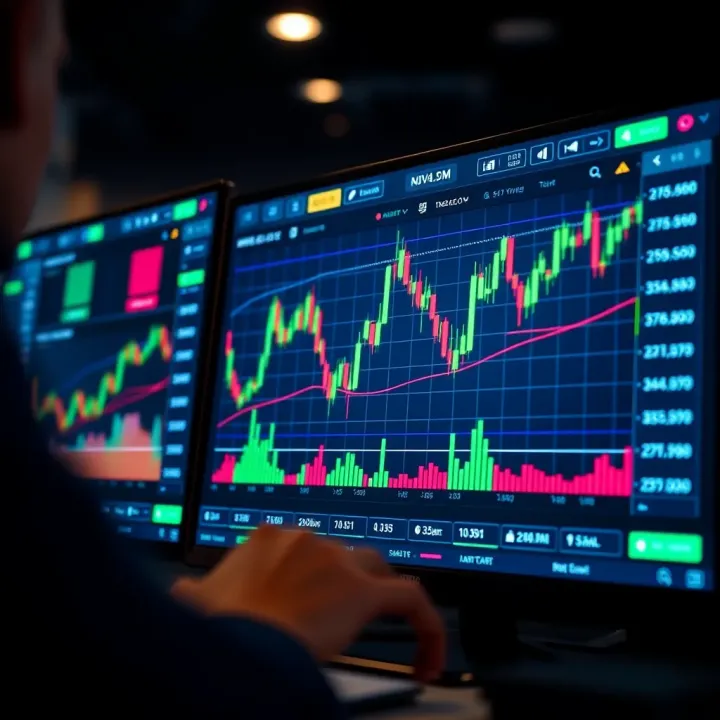
📊 Learn how to combine TradingView's charts with Binary.com for smarter trades in Pakistan 🇵🇰. Get setup tips, indicator guides, & risk management advice! 📈
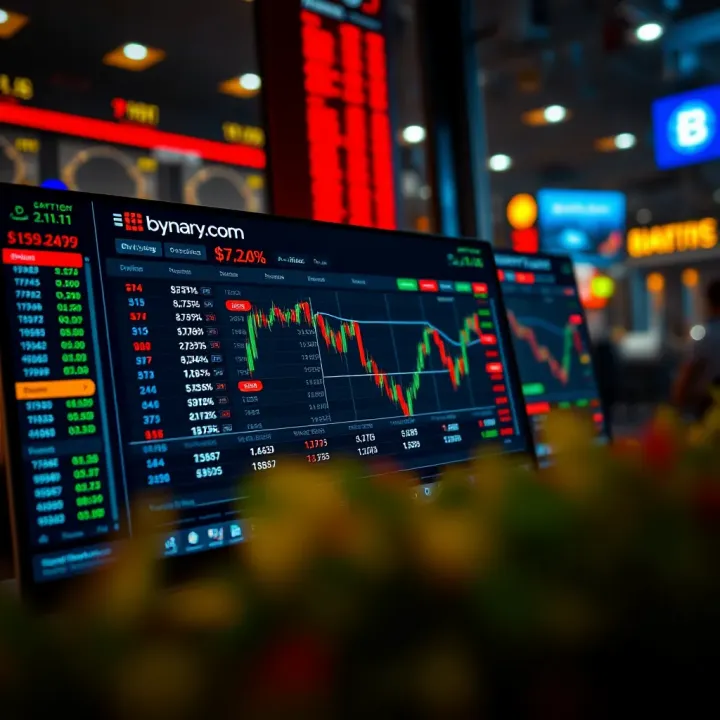
📈 Explore how to boost your trading with TradingView and Binary.com integration. Learn steps, tips, and challenges for smarter trades in Pakistan! 🇵🇰

Discover how trading apps shape Pakistan's market 🇵🇰 Explore features, benefits, risks, and expert tips for smarter mobile trading today 📱📈
Based on 14 reviews