

TradingView Guide for Pakistani Traders
Explore TradingView.com for Pakistani traders 🇵🇰! Learn to set up accounts, use advanced charts 📊, and join a vibrant trading community for smarter decisions 🌐.
Edited By
Edward Thompson
TradingView has firmly established itself as a go-to platform for traders worldwide, and its popularity is steadily growing among traders in Pakistan. Whether you're dabbling in stocks, forex, or cryptocurrencies, TradingView offers tools and features that can help you make smarter trading decisions.
In this guide, we’ll cover everything from setting up your TradingView account to mastering the platform’s charting and analysis tools. We’ll also look at how Pakistani traders can take advantage of TradingView’s community features and broker integration options — all tailored to local needs. This isn’t just about knowing what TradingView offers; it’s about showing you practical ways to enhance your trading approach.
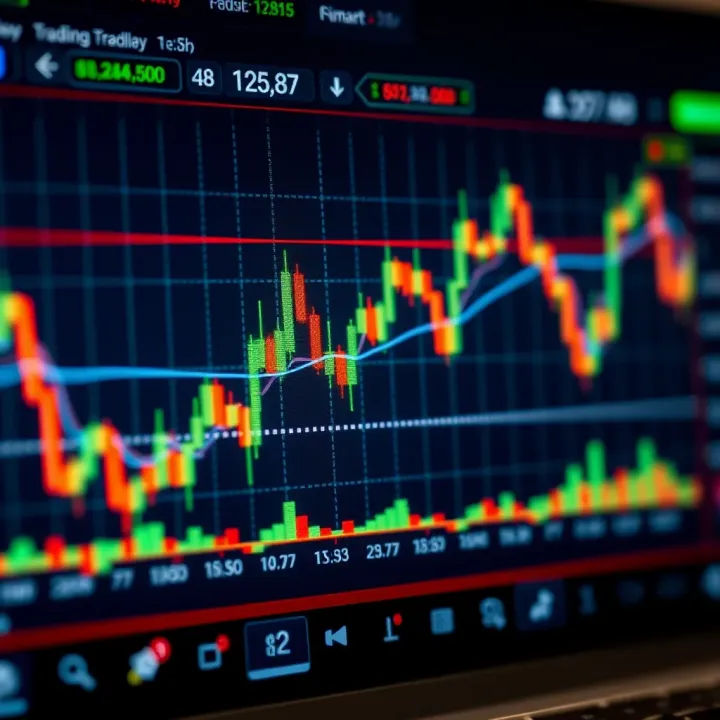
TradingView isn’t just another charting tool; it’s a full-featured hub that can elevate your trading game if you know how to use it right.
By the end of this guide, you’ll feel confident navigating TradingView’s interface, customizing your layout, and using advanced tools to gain valuable market insights. Whether you’re a beginner or a seasoned trader, this article aims to equip you with knowledge you can put into practice immediately to refine your strategies.
TradingView has become a staple tool for traders everywhere, especially in markets like Pakistan where access to reliable and up-to-date financial data can sometimes be patchy. The platform's blend of powerful charting tools and social features makes it a popular choice for both new and veteran traders looking to sharpen their strategies.
Given Pakistan's growing interest in stock and forex trading, understanding how TradingView works and why it stands out can really give traders a leg up. Whether you're watching the Pakistan Stock Exchange or tracking global commodities, TradingView offers an accessible and versatile interface that keeps your eye on what's meaningful.
TradingView is more than just a charting website; it's a comprehensive platform designed to simplify market analysis through easy-to-use tools and real-time data. It serves as a hub where traders can not only view price movements but also implement a wide range of technical analysis, from drawing trend lines to monitoring complex indicators.
For example, a Pakistani trader interested in the forex market can set up customized charts showing USD/PKR currency pairs along with volume oscillators that help indicate market momentum. This utility makes TradingView a go-to resource for doing homework before making any trade.
One of TradingView’s strengths lies in its extensive coverage across multiple asset classes. It supports stocks, forex, cryptocurrencies, indices, futures, and even exotic markets. Pakistani traders often track major indices like the KSE-100, alongside global players like the S&P 500 or Brent crude oil prices.
The platform’s integration with various exchanges ensures that data is updated in real time. This means whether you’re trading the local market or dabbling in international assets, you are not stuck with outdated charts.
TradingView’s user experience is pretty straightforward without sacrificing sophistication. The clean design allows traders to jump right into chart analysis without a steep learning curve. Tools like drag-and-drop indicators, easily switchable time frames, and custom templates help users save time and avoid getting lost in clutter.
A Pakistani trader who’s just starting might find other platforms intimidating, but TradingView’s intuitive layout invites experimentation and learning.
Since TradingView runs entirely in the cloud, there’s no need to install bulky software. Traders in Pakistan can access their setups from a laptop at home, a smartphone during a commute, or even internet cafes where desktop apps might be restricted.
This convenience means that even when power outages or slow internet hit—common issues in some parts of Pakistan—users can pick up where they left off on any device without worrying about losing their charts or study notes.
What truly gives TradingView an edge is its social aspect. The platform hosts a vibrant community where traders share ideas, post screenshots of charts, and discuss strategies openly. This interactive environment can be especially helpful for Pakistani traders who value peer insights to navigate their local market nuances.
For instance, a trader might spot an interesting setup on the PSX and share it with the community, sparking discussions on entry points or risk management. These exchanges often uncover perspectives that might be missed from pure technical data alone.
Overall, TradingView’s blend of accessibility, extensive market data, and social tools makes it a practical platform for Pakistani traders aiming to stay sharp and connected in fast-moving financial markets.
Before diving into the world of charts and indicators, the first step for any trader using TradingView is to create and set up a personal account. This isn’t just about logging in; it’s the foundation of your trading journey on the platform. For traders in Pakistan, setting up your TradingView account properly means ensuring you can access all the features you need to monitor local and global markets effortlessly.
A well-set account helps streamline your workflow — from tracking your favorite assets in the Pakistani Stock Exchange (PSX) to receiving real-time alerts on forex pairs like USD/PKR. Think of it as customizing your workspace to make the day-to-day grind less about hunting for info and more about making smart decisions.
Choosing the right account type is a practical decision that can impact how much you gain from TradingView. There are free and paid plans, each designed to suit different levels of trading activity and needs.
Free vs paid plans: The free plan is a solid starting point, offering basic charting tools, a limited number of alerts, and access to public chatrooms. It might feel a bit tight for active Pakistani traders who need wider data coverage or multiple chart setups simultaneously. Paid plans—Pro, Pro+, and Premium—expand those limits significantly. For example, the Premium plan supports up to 25 charts in one layout and unlimited alerts, which is great if you juggle stocks, commodities, and crypto markets.
Using the free account is a bit like having a decent car for city driving—it gets you places but lacks some features and power when you want to hit the highway.
Features available in each plan: Here’s a quick breakdown to give you a grasp:
Free Plan: 1 chart per layout, 1 indicator per chart, 3 alerts.
Pro Plan: 2 charts per layout, 5 indicators, 10 alerts.
Pro+ Plan: 4 charts per layout, 10 indicators, 30 alerts.
Premium Plan: 8+ charts, 25 indicators, unlimited alerts.
Paid plans also introduce faster data updates and priority customer support. If you’re a Pakistani trader focused on fast-moving forex markets or want to implement complex strategies, the investment in a paid plan can pay off by giving you timely data and flexibility.
Once the account is ready, the next step is to shape your TradingView workspace to fit your trading style.
Setting up watchlists is a simple yet powerful way to keep an eye on all your key instruments without switching screens. For instance, you can create separate watchlists for PSX stocks like PSO and HBL, forex pairs of interest like EUR/PKR, and global commodities like Brent Crude. Organizing watchlists by asset types or trading strategies helps you spot opportunities quickly.
Configuring notifications ensures you never miss critical price moves. On TradingView, you can set alerts for price levels, indicator signals, or even specific chart patterns. Say you want an alert when the Pakistan Oilfields share price crosses its 50-day moving average. Once set, you’ll get a notification on your phone or desktop. This is super helpful for traders who can’t stare at screens all day but still want to react fast.
Personalizing chart layouts means arranging charts, indicators, and drawing tools the way you like. Whether you prefer a single large chart or multiple smaller ones for side-by-side comparisons, TradingView lets you save these layouts for quick loading. A well-organized layout reduces decision fatigue and keeps your mind on the trade, not on fiddling with settings.
Remember, a great setup today saves you from scrambling around tomorrow. Taking time to customize before trading actively brings efficiency and clarity.
In short, setting up your TradingView account right—choosing the suitable plan, tailoring watchlists and alerts, and personalizing chart views—puts you in the driver's seat to take full advantage of the platform's offerings, especially in Pakistan's dynamic trading landscape.
Grasping TradingView’s charting tools is like having the right set of keys to your trading locker. For traders in Pakistan, where markets often shift rapidly, knowing how to work these tools means the difference between spotting an opportunity and missing out. These tools aren't just flashy add-ons—they're essential to making smart, timely trades.
Charts are the bread and butter of market analysis. TradingView offers several formats, each serving a unique purpose:
Line Charts: These give you a neat, clear glimpse of price movements over time. Imagine tracking the simple path of a cricket ball—line charts help expose the overall trend without overwhelming you with noise.
Bar Charts: Bars pack more info, showing opening, closing, high, and low prices in vertical lines. If you’re watching a fast-moving stock like Lucky Cement or a volatile currency pair, bar charts offer a deeper snapshot daily or intraday.
Candlestick Charts: The crowd favorite for many, these tell stories with colored blocks, showing buyers and sellers’ struggle throughout the day. For example, a green candle with a long wick can hint that buyers tried hard but sellers pushed back, which is invaluable info when gauging Pakistan Stock Exchange trends.
Choosing the right chart depends on your trading style. Day traders might lean toward candlesticks for quick insight, while long-term investors might prefer line charts for clarity.

Drawing tools on TradingView help you paint clearer pictures on your charts:
Trend Lines: Use these to mark the path prices are following. Say you notice the price of Habib Bank Ltd steadily climbing; drawing a line beneath the lows can help forecast if the trend holds or falters.
Channels: These parallel lines help highlight trading ranges. Spotting channels around companies like Engro Fertilizers can reveal when the price hits a ceiling or floor.
Fibonacci Retracements: This nifty tool helps identify where prices might bounce back or retreat by measuring key levels, useful for timing entry or exit points.
Annotating your charts lets you jot down notes or signal potential moves. For example, adding “possible breakout” above a candlestick pattern on a TCS chart keeps your thoughts organized and sharp when reviewing later.
Choosing the right timeframe is crucial:
Short-term views suit traders eyeing quick moves, such as scalpers or day traders dealing with Pakistani Rupee Forex CFDs. They often watch 5-minute or 15-minute charts.
Long-term views help investors focusing on broad market trends, useful when analyzing the KSE-100 over weeks or months.
Switching between timeframes on TradingView is as easy as clicking a button. For instance, you can start with a weekly chart to understand the bigger picture, then zoom into daily or hourly charts for detailed timing.
Getting comfortable moving between charts and using drawing tools effectively lets you read markets like an open book — a skill any serious trader in Pakistan can’t do without.
Master these basics, and you’ll find TradingView not just a tool but your partner in trading, making market complexity more manageable and actionable.
Technical indicators are the bread and butter of chart analysis for many traders, especially those working with highly volatile markets like Pakistan’s stock exchange or currency pairs in the forex market. They help decode price movements and volume trends that aren’t immediately obvious just by staring at the candlesticks or line charts. Using TradingView's indicators allows you to back up your gut feelings with data, making your trades less hit-or-miss.
By incorporating these tools, traders can identify trends, spot reversals, and confirm market entry or exit points. That's particularly useful in Pakistan's trading landscape, where markets can swing quickly due to political events or economic data releases. TradingView simplifies applying these indicators and adjusting their settings to fit your specific trading style, making it a versatile tool whether you're day trading in Karachi or plotting longer-term investments in Lahore.
These are the workhorses of technical analysis and for good reason. Moving averages smooth out price data to reveal trends over time — a simple moving average (SMA) or exponential moving average (EMA) can tell you if a stock is generally heading up or down. For example, many traders look at the 50-day and 200-day moving averages crossovers to gauge market sentiment.
The Relative Strength Index (RSI) measures how overbought or oversold an asset might be, which can signal a potential reversal. A reading above 70 often suggests a market is peaking, while below 30 it might be due for a bounce.
MACD (Moving Average Convergence Divergence) shows the relationship between two moving averages of price and highlights momentum. For instance, when the MACD line crosses above the signal line, it can be a buy signal.
Using these indicators together lets you confirm signals, reducing false alarms—say the RSI shows oversold, and the MACD signals a bullish crossover, you might have a solid cue to buy.
Volume is the unsung hero in the trading story. It shows how strong a movement really is. On TradingView, volume indicators like On-Balance Volume (OBV) and Volume Weighted Average Price (VWAP) help traders see if price changes are supported by strong participation or just light activity.
For example, coupled with price breaking out of a resistance level, high volume confirms the move's strength. On the other hand, if price jumps but the volume is weak, the breakout might be a trap. Understanding volume can give Pakistani traders an edge, especially in markets where liquidity can fluctuate.
Relying on just one indicator can be like trying to find your way with a single flashlight—you're limited in what you can see. TradingView allows you to layer multiple indicators, which paints a fuller picture. For instance, pairing a trend-following tool like the EMA with an oscillator such as RSI can help you determine not just the direction but the strength and timing of moves.
A practical approach is to use one indicator to identify trend direction (like the 100 EMA), another to time entry (like MACD), and a volume indicator to confirm the move. This combination reduces false signals and increases confidence in your trades.
Customization is key because what works for a scalper trading minute-by-minute in the Pakistan Stock Exchange might not suit someone holding positions for weeks in the forex market. TradingView lets you tweak indicator settings — like changing RSI from the default 14 periods to 7 for a more sensitive setup or adjusting moving averages from 50 days to 20 to catch shorter trends.
Experimenting with these settings helps tailor indicators to your market and style. But be careful not to overfit; making indicators too sensitive can lead to noise and false signals. It's about finding a balance that aligns with your risk tolerance and trading approach.
Effective use of technical indicators on TradingView empowers Pakistani traders to decode the market's subtle hints, making informed decisions rather than gambling. Remember, indicators aren’t crystal balls, but tools that, when used right, can considerably boost your trading edge.
By mastering how to add, combine, and customize these indicators within TradingView, traders in Pakistan can seize better opportunities and protect themselves against market whiplash.
Staying ahead in the markets means being quick to react to price movements or changes in indicators that can signal opportunities or risks. Using alerts and notifications on TradingView helps traders in Pakistan keep a constant eye on their positions without glued to the screen all day. It saves time while offering a practical way to respond immediately when market conditions meet your criteria. For example, if the price of a key stock on Pakistan Stock Exchange (PSX) hits a certain level or an RSI crosses into oversold territory, an alert triggers, keeping you informed wherever you are.
Alerts are best used for critical events that align with your trading plan. Set alerts on price levels, trendline breaks, or indicator thresholds such as moving average crossovers or MACD signals. For instance, in a volatile market, you might want an alert when the KSE-100 index surpasses its resistance level. Traders can set these on TradingView by right-clicking a chart or from the Alerts tab. Incorporating alerts into your strategy means you don’t have to stare at charts constantly but won’t miss key moments either.
One of TradingView's strengths is syncing alerts across devices. This is especially useful for Pakistani traders who may switch between a desktop at home and a smartphone on the go. Alerts can be set to notify you via app push notifications, email, or SMS. Be sure to customize notification preferences to your convenience so you’re informed instantly but not overwhelmed. For example, you could receive push notifications on your phone for urgent alerts during market hours and email summaries off-hours.
Different markets call for different alert tactics. For forex traders focusing on USD/PKR, an alert on specific support and resistance zones can be lifesaving during high volatility. Equity traders tracking companies like Lucky Cement or Engro can set alerts for earnings-related price reactions or volume spikes. Commodity markets, such as gold or oil, require alerts on breakout or breakdown points. Tailoring alerts based on market behavior ensures you get relevant info without noise.
It's tempting to set every possible alert and then get overwhelmed by constant notifications. To dodge alert fatigue, prioritize alerts that align with your trading goals and filter out less critical signals. For example, set alerts only on significant price levels or indicator conditions that have historically made a difference in your trades. Periodically review and prune alerts to keep them manageable rather than cluttering your workflow with alerts that distract more than help.
Successful traders use alerts as a way to stay connected to the market’s pulse — not to drown in a flood of notifications but to catch meaningful signals that support timely decisions.
By mastering alerts and notifications on TradingView, traders in Pakistan can keep a step ahead of market moves, enabling smarter trades with less effort and more control over their monitoring process.
TradingView isn’t just a tool for charts and technical analysis; it also offers a strong social component that can be a game-changer for traders, especially those in Pakistan who might want local or global insights. These community features let you tap into the collective wisdom of other traders and share your own ideas — a bit like having your own trading club but online and 24/7.
Learning from experienced traders: One huge advantage of TradingView is the ability to browse trading ideas and public charts shared by seasoned traders from all over the world. For traders in Pakistan, this is like having a front-row seat to global markets while still seeing perspectives that might be relevant to local stocks or commodities. For example, you could view a detailed analysis of the PSX (Pakistan Stock Exchange) from an experienced analyst and see how they apply indicators like RSI or MACD in real-time. This hands-on learning is much more useful than just reading theory because you see how tools are actually applied under current market conditions.
Sharing your own analysis: Don’t just take in ideas — share yours as well. Publishing your charts and analysis helps build your reputation in the community and invites feedback that can sharpen your skills. Imagine posting a unique take on textile sector stocks in Pakistan and getting comments or alternative views from other traders. This exchange often reveals blind spots or confirms your strategy, and occasionally opens doors to collaborative opportunities or partnerships.
Engaging with peers: TradingView’s chat rooms and discussion boards are like marketplaces of ideas where you can ask questions, discuss strategies, or just bounce off thoughts with fellow traders. This interaction is great for Pakistani traders who might find it hard to reach a trading community offline. For instance, during volatile market days, you could jump into a discussion about the Pakistan Oil & Gas Development Company Ltd (OGDC) and instantly get insights or warnings you might’ve missed.
Gaining insights on market sentiment: Sentiment can be a powerful trading edge, and community discussions often reflect the real-time mood of the market. By reading threads and chat messages, you can gauge whether traders are bullish or bearish on a particular asset, which supplements technical analysis perfectly. For example, if many traders in the forum are discussing rising inflation effects on the Pakistani rupee, you might better anticipate currency movements or adjust your forex trades accordingly.
Staying active in TradingView's community spaces not only boosts your market understanding but also helps you avoid the isolation often felt in solo trading.
By using these social and community features on TradingView, Pakistani traders can enhance their knowledge, avoid common pitfalls, and stay connected to a broader network of market participants.
Connecting your TradingView account with a brokerage is a step that can seriously streamline your trading routine. Instead of juggling multiple platforms, you get to place trades directly within TradingView’s interface while using its powerful charting and analysis tools. For traders in Pakistan, this offers the advantage of cutting down on lag and avoiding errors from transferring signals between platforms.
Integration turns TradingView from a mere analysis tool into a full trading workstation. But not every broker is supported, so knowing which ones work seamlessly with TradingView is essential to make the most of this feature.
On TradingView, several brokers have teamed up to give users the ability to trade directly from the charts. Big names like OANDA, FXCM, and Tradovate are part of this network. For Pakistani traders, it’s wise to check if the broker you use or plan to use supports integration—many international brokers servicing Pakistan, such as Interactive Brokers or AvaTrade, allow connection with TradingView.
This partnership means orders, stops, and limits can be placed right on the chart without switching windows. The broker executes these trades while TradingView keeps you visually in control. This relationship benefits both parties: brokers get more engaged users; traders get quicker execution.
Trading direct from TradingView saves a ton of time and hassle. You won’t have to flip back and forth between your broker’s platform and charts, which means fewer chances for errors or missing timely signals. Placing an order can be as easy as clicking on the chart or the order panel within TradingView.
Extra perks include:
Instant visual feedback: See your planned entry, stop, and take-profit levels right on the chart.
Synchronized orders and alerts: Set alerts that link directly to your brokerage orders.
Centralized workflow: Manage analysis and execution in one place, reducing decision fatigue.
For traders who swing frequently or scalp, shaving off even a few seconds can make a difference in returns. This integrated setup makes it easier to react fast to market movements.
Linking your broker account to TradingView is straightforward. Here's a typical process to get you going:
Log into TradingView: Start by opening your TradingView account.
Open the Trading Panel: At the bottom of the screen, there's a 'Trading Panel' tab — click that.
Select Your Broker: TradingView will list supported brokers. Pick your broker from the list.
Authenticate and Connect: You'll be prompted to enter your broker credentials and authorize TradingView's access.
Wait for Confirmation: After authentication, your account should link, allowing you to see your balances and start placing trades.
Remember, the exact steps might vary slightly depending on the broker, but the overall flow is similar. If your broker isn’t on the list, check if they offer API access that can connect with TradingView indirectly.
Security should be your top concern when linking accounts. Always use strong, unique passwords for both your TradingView and brokerage accounts. Avoid logging in on shared or public computers.
Make sure two-factor authentication (2FA) is enabled wherever possible. TradingView supports 2FA, and most brokers do as well—using this can prevent unauthorized access.
Also, keep an eye on permissions you grant. TradingView only needs to place trades on your behalf, not withdraw funds or access sensitive personal info. If your broker allows, set permissions carefully during the integration process.
If ever you feel uneasy, you can revoke the connection from your broker’s side or TradingView’s account settings. Monitor your trade activity regularly to spot anything unusual.
Tip: Before trading live via integration, try simulated or demo accounts first. This practice prevents mistakes that could cost you real money.
By linking your broker account with TradingView while keeping security tight, you create a trading setup that’s both efficient and safe, perfectly suited for fast-moving markets and the Pakistani trading landscape.
TradingView's mobile and desktop apps are vital tools for traders in Pakistan who want to stay connected to the markets anywhere, anytime. Whether you’re commuting in Karachi or having a tea break in Lahore, these apps ensure that you don’t miss crucial market moves or trade opportunities. The versatility these platforms offer caters well to the fast-paced trading environment locals experience, providing convenience without sacrificing speed or functionality.
Charting on the go: One of the biggest advantages of using TradingView's mobile app is the ability to analyze charts wherever you are. With fully interactive candlestick charts and the ability to switch time frames, you don't have to be stuck at your desk to spot a trend or spot a breakout. For example, a trader traveling on the Metro Bus in Islamabad can quickly check the USD/PKR rate movements and adjust their strategy accordingly. The app supports drawing tools and indicators, so even while waiting at a café, you can sketch trend lines or spot RSI divergences.
Push notifications and alerts: The mobile app also shines when it comes to alerts. You can set price and indicator alerts that push notifications directly to your smartphone. This feature is especially handy for traders juggling multiple markets — say, someone monitoring Pakistan Stock Exchange (PSX) along with Forex pairs. These alerts help avoid the trap of constantly refreshing screens or missing breakout moves during busy workdays. Setting up an alert for a stock hitting a resistance level, for instance, means you get instant updates and can act before the opportunity slips away.
Advantages of each platform: The desktop app offers a focused environment ideal for deep analysis. It loads faster, handles multiple charts side by side, and generally uses less of your internet bandwidth — a big plus in areas with unstable connections. On the other hand, the web browser version is convenient for quick checks on new devices or when you’re away from your main workspace. It allows immediate access without installation, which is perfect for those sudden trading ideas while visiting a friend's house or working from a library.
Performance differences: In terms of sheer performance, the desktop app tends to run smoother, especially when juggling several indicators and multiple live charts simultaneously. Traders using complex Pine Script strategies particularly benefit from the reduced lag. Meanwhile, the browser version can sometimes slow down, particularly with slower internet speeds common in some parts of Pakistan. But the browser version updates automatically — no need to download patches, a convenience that some users appreciate.
For traders in Pakistan, the choice between desktop and browser versions often comes down to personal workflow and internet reliability. Many find using both, depending on the situation, the best approach to stay efficient and informed.
Ultimately, knowing how to make the most of TradingView's mobile and desktop apps offers Pakistani traders greater control and responsiveness in their trading routines, no matter where they are.
Mastering TradingView goes beyond just knowing its basics. To really get the most out of the platform, you need to tap into its advanced features strategically. This not only saves time but can also give you an edge in fast-moving markets, especially in Pakistan's dynamic trading environment. From custom scripting to workspace organization, these tips help you tailor TradingView to your style and goals.
Understanding Pine Script is a solid step toward customizing your trading experience. Pine Script is TradingView’s own programming language, designed to create custom indicators, alerts, and strategies. Unlike bulky coding languages, Pine Script is light and straightforward, allowing traders—even those without deep programming knowledge—to add personalized tools on their charts.
For example, you might want to create a simple moving average crossover indicator that alerts you when the 9-day moving average crosses the 21-day moving average. This can be done with just a few lines of code in Pine Script, giving you alerts tailored to your trading strategy rather than relying on generic signals.
pinescript //@version=5 indicator("Simple MA Crossover", overlay=true) maShort = ta.sma(close, 9) maLong = ta.sma(close, 21) plot(maShort, color=color.blue) plot(maLong, color=color.orange)
crossoverSignal = ta.crossover(maShort, maLong) plotshape(crossoverSignal, location=location.belowbar, color=color.green, style=shape.labelup, text="Buy")
This script not only draws the moving averages but also marks the buy signals on the chart. Developing such custom scripts empowers Pakistani traders to reflect local market nuances and trading preferences.

### Organizing Your Workspace Efficiently

Using TradingView can get overwhelming if your screen is cluttered with many charts and indicators. Efficient workspace organization helps you stay focused and act quickly, which is vital during volatile market hours.

A practical way to manage this is by using multiple chart layouts, which allow you to view different instruments or time frames side by side. For example, you could watch the Karachi Stock Exchange index on one chart and the US Dollar/Pakistani Rupee forex pair on another within the same workspace. This saves you from constantly switching tabs and keeps all critical info in view.

Saving and loading templates is another nifty feature that boosts productivity. Once you configure a chart with your favorite indicators, drawing tools, and layout preferences, save it as a template. Next time you open a chart, load this template to instantly get your preferred setup without redoing all the settings.

This method is especially helpful for traders in Pakistan who might analyze several different markets throughout the day, such as local equities, commodities, and forex.

> Organizing your workspace smartly can shave off precious seconds during critical trade decisions, turning charts into your personal trading command center.

Leveraging these tips can shift TradingView from just a charting platform to an essential, custom tool designed around your trading style and needs.

## Common Challenges and How to Overcome Them

TradingView packs a punch with tons of features, but like any powerful tool, it comes with its own set of challenges. Pakistani traders often find themselves swamped by information or hit with technical hiccups. Navigating these common pitfalls isn’t just about avoiding frustration — it can directly affect your trading success. Knowing how to deal with these issues ensures you stay focused on what really matters: making smart trades. Let’s break down these problems and see how you can keep your trading smooth sailing.

### Dealing with Information Overload

TradingView lets you dive into an ocean of data, but drowning in too much info is a real risk. Filtering out noise and honing in on what’s relevant becomes critical.

- **Filtering data and analysis**: The first step is to narrow down your watchlist to markets and assets you truly understand or plan to trade. For example, instead of juggling every crypto, forex, and stock ticker, pick those linked to Pakistan’s market or global ones you follow closely. Use TradingView’s filter features; set parameters like volume, volatility, or specific indicators to trim what you see on charts. This way, your screen stays uncluttered, helping you spot meaningful patterns without the background chatter. It’s like tuning your radio to a clear frequency amid static.

- **Setting realistic tracking goals**: Trying to monitor every price movement or signal can drown out your judgment. Start small — aim to track only a handful of indicators that match your strategy. Say you're a swing trader focusing on RSI and moving averages; stick with those and ignore less relevant metrics. Set daily or weekly goals: analyzing a few charts with clear criteria beats chasing every market twitch. This keeps your mental load light and helps you act decisively instead of second-guessing. Think of it like choosing targets at an archery range rather than trying to shoot at every moving bird.

### Technical Issues and Troubleshooting

Even the slickest tools run into roadblocks. When you hit technical snags on TradingView, fast troubleshooting can save you time and stress.

- **Connectivity problems**: In Pakistan, internet speed and reliability can sometimes be patchy, causing delays or failed chart loads. If your charts freeze or alerts lag, first test your connection speed. Switching from Wi-Fi to mobile data can help pinpoint if it’s your network. Also, close background applications hogging bandwidth. TradingView’s web app can run heavy when many charts or indicators load simultaneously, so reducing active tabs boosts responsiveness. Having an offline backup plan — like snapshots of key charts saved as images or PDFs — is handy when connectivity dives. It's better to have something than nothing in crunch moments.

- **Handling platform updates**: Updates bring improvements but may disrupt your usual workflow or temporarily cause bugs. TradingView updates automatically and sometimes changes interface elements or feature locations. When this happens, explore official update notes or community forums where users share quick fixes. Bookmark key dashboard settings in case you need to reconfigure layouts. If a new version feels unstable, try reverting to the web app instead of the desktop client until patches arrive. Remember, new features are often refined over a few cycles; patience saves grief. It’s like adjusting to a new car model — a bit awkward at first, but smoother later.

> Addressing these common challenges effectively helps Pakistani traders avoid costly mistakes and keeps your TradingView experience reliable, letting you focus on what really counts: your trading strategy and results.


By understanding how to filter the right information and being prepared for technical glitches, you safeguard your focus and workflow. With this practical know-how, you're better set to use TradingView as a reliable companion in your trading journey, not a source of frustration.

## End and Final Recommendations

Wrapping things up, understanding the ins and outs of TradingView can truly enhance your trading game, especially in Pakistan's dynamic markets. This final part sums up the key points discussed and provides practical advice on making the most out of TradingView’s features, tailored to your needs.

By now, you’ve seen how features like customizable charts, technical indicators, and social community aspects come together to make TradingView not just a tool but an indispensable companion. However, the true value lies in knowing which features to focus on, depending on your trading style and goals.

> Remember, the best platform is only as good as the user's strategy and discipline. Consistent use and learning will set you apart.

### Why TradingView Is a Valuable Tool for Pakistani Traders

#### Accessibility and Comprehensive Features

TradingView’s cloud-based system means you can jump from your desktop at home to your mobile device on the go without missing a beat. For traders in Pakistan, where internet connections might vary in speed, the platform’s lightweight web interface and mobile apps ensure smooth access. It covers a wide range of markets including local commodities like cotton and international stocks and forex, making it a one-stop hub.

Features such as multiple chart types, over 100 built-in indicators, and Pine Script for custom tools give traders flexibility without needing several platforms. This all-in-one setup is practical when you want to quickly analyze the Karachi Stock Exchange alongside US stocks or currency pairs.

#### Community Support Relevant to Local Markets

TradingView's local and international trading communities are a goldmine, especially for Pakistani traders seeking market insights. Within the community, you’ll find chart ideas specifically about PSX stocks, insights on Pakistan’s economic trends, or discussions around common global currency pairs like USD/PKR.

Engaging with these communities can spark ideas and provide warnings you might not catch alone. For example, a trader sharing an upcoming policy change affecting oil prices could help you adjust your strategy in time. Plus, you can post your own analysis and get feedback, refining your skills through interaction.

### Getting Started: Next Steps to Take

#### Signing Up and Exploring Basics

The first step is to sign up for a TradingView account, which only takes a few minutes. Starting with the free plan lets you explore core features—like creating watchlists and basic charting—without any investment.

Once signed up, take time to familiarize yourself with the interface. Load up charts of Pakistani markets first, such as PSX indices or currency futures, so your learning is contextually relevant. Experimenting with different chart types and indicators here will help you understand what fits your trading style.

#### Continuing Education and Practice

Trading never stops teaching, and neither should you. Dedicate time each week to explore new tools and indicators on TradingView. Use the public library of indicators or experiment with Pine Script basics to customize your analysis.

Continuous practice is key—set up simulated trades or historical data testing using TradingView’s replay feature. This lets you see what your tactics would have done in past markets without risking your capital.

Finally, keep an eye on local market events through the TradingView calendar and community discussions, so you stay informed about factors directly affecting Pakistani traders.


Successfully using TradingView isn’t just about mastering tools but integrating them into a habit of ongoing learning and community engagement. For traders in Pakistan, this platform offers everything needed to build effective strategies and adapt to fast-moving markets.

Keep exploring, practicing, and connecting. Your trading edge will grow naturally from there.Explore TradingView.com for Pakistani traders 🇵🇰! Learn to set up accounts, use advanced charts 📊, and join a vibrant trading community for smarter decisions 🌐.
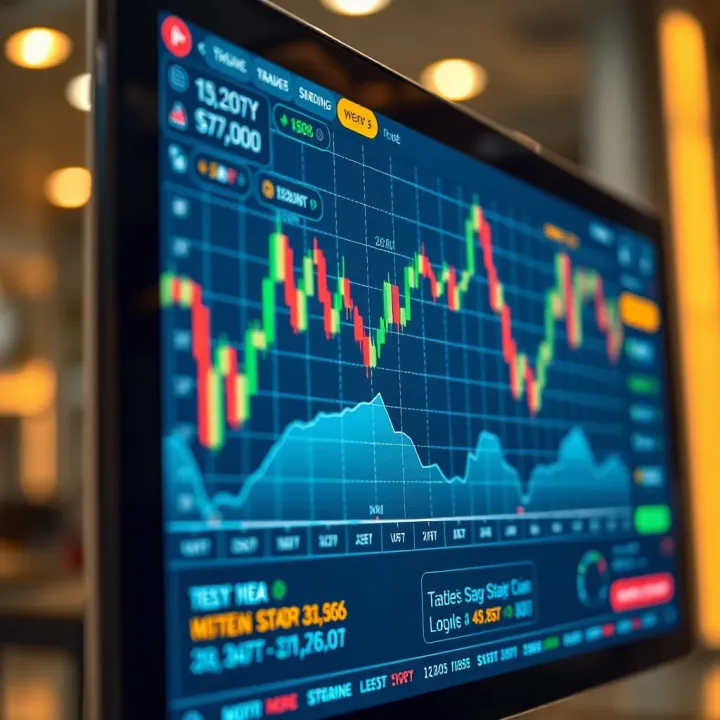
📊 Explore TradeView's key features and tools, tailored for traders in Pakistan to boost market analysis and smarter decision-making in trading.
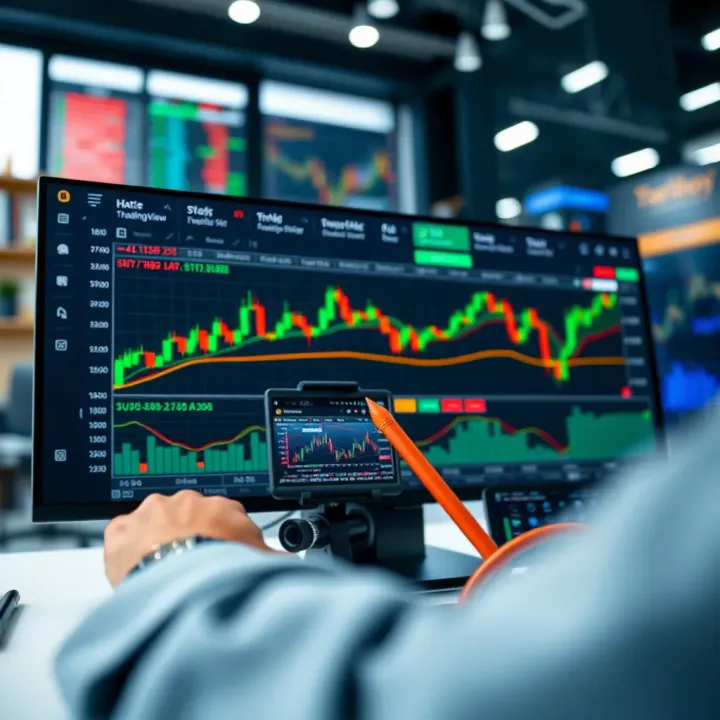
🔍 Explore TradingView's powerful tools and social features tailored for Pakistani traders. Learn setup, analysis, idea sharing, and mobile tips! 📈📱
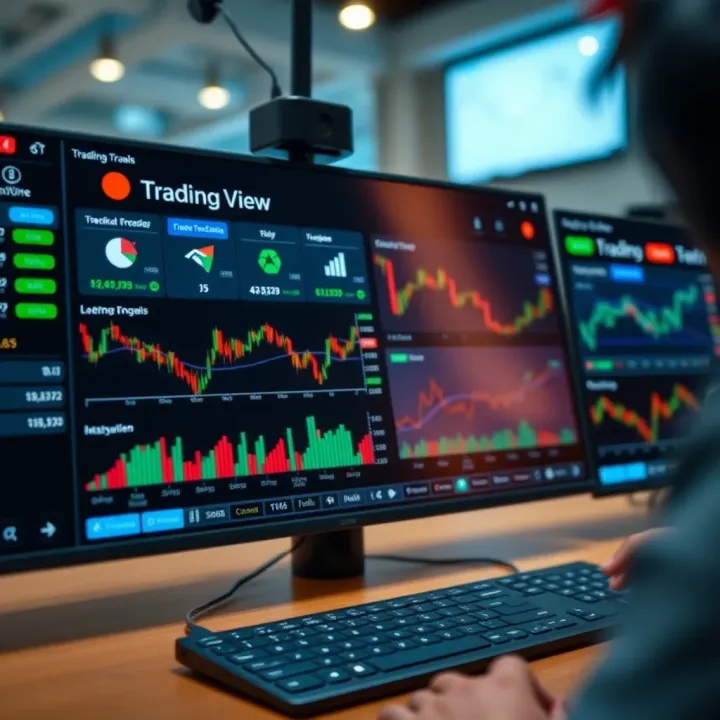
📈 Discover how to use TradingView with Deriv.com for better trading in Pakistan! Explore charting tools, indicators, and smart strategies for success.
Based on 14 reviews